Why the brush engine matters
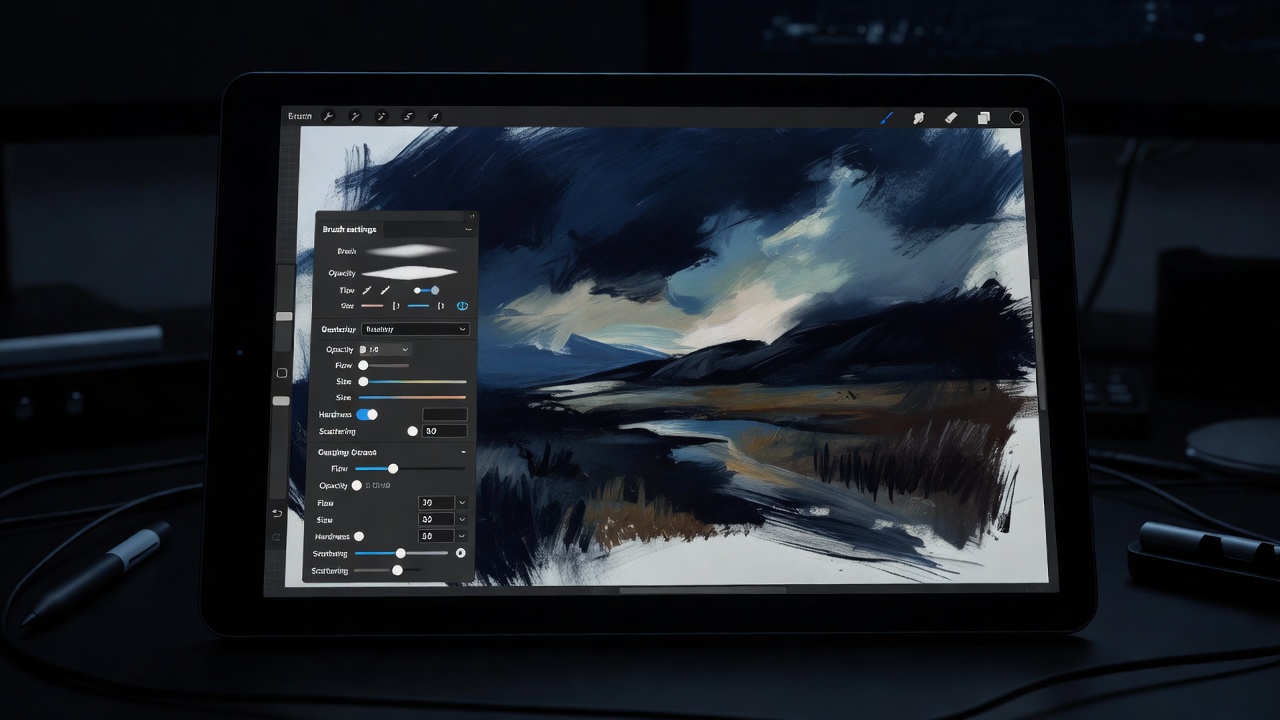
Every drawing app has a brush engine: the code that turns pen data into marks. It decides how pressure maps to size and opacity, how tilt rotates a nib, how wet paint mixes with what is already on the canvas, and how quickly all of that happens. Two apps on the same tablet can feel like two different pens. That is why we test tablets in more than one program before we hang them on the wall.
Then there is stabilisation. A stabiliser averages your hand movements so a long curve comes out clean. Clip Studio Paint's stabiliser and Krita's brush smoothing are excellent for inking. Photoshop offers a smoothing slider that works but feels a little heavier. Procreate's StreamLine is simple and effective. Too much smoothing makes the line lag behind the nib, which feels like drawing through syrup, so start low.
The working set
| App | Platforms | Strength | Model |
|---|---|---|---|
| Clip Studio Paint | Windows · macOS · iPad · Android | Inking, comics, vector-like lines | Paid / subscription |
| Krita | Windows · macOS · Linux | Painting, brush variety | Free, open source |
| Procreate | iPad | Fast sketching, illustration | One-time purchase |
| Adobe Photoshop | Windows · macOS · iPad | Studio pipelines, photo work | Subscription |
| Corel Painter | Windows · macOS | Natural-media emulation | Paid |
| Rebelle | Windows · macOS | Watercolour and wet paint | Paid |
| Blender (Grease Pencil) | Windows · macOS · Linux | 2D animation in 3D space | Free, open source |
Comics and inking
Clip Studio Paint is the quiet standard in manga and Western comics studios alike. Its pen tools taper beautifully, its panel and perspective rulers save hours, and its vector layers let you erase line overlaps cleanly. If you ink, start here. It pairs especially well with the matte surface of the XP-Pen Artist Pro 16.
Painting
For painterly work, Krita surprises people who expect "free" to mean "basic." Its brush engines handle tilt, rotation and blending with real nuance. Corel Painter remains the deepest natural-media simulator, and Rebelle's watercolour actually runs and pools. Photoshop is still the lingua franca when you deliver layered files to an art director.
On the iPad
Procreate was built for the pen and it shows. Gestures, fast brushes and a calm interface make it the default for iPad illustrators. Clip Studio Paint and Photoshop also run on iPad, and Infinite Painter and ibisPaint are worth a look if you want an alternative.
Free tools for students
If you bought a Huion Kamvas 13 and have nothing left in the budget, install Krita for painting and Blender for animation. Both cost nothing, both are used professionally, and both teach skills that transfer.
Driver trouble, briefly
On Windows, a stroke that ignores pressure is usually a driver conflict. Uninstall old tablet drivers before installing new ones, and try toggling Windows Ink in your tablet settings or switching between Windows Ink and WinTab in your app's preferences. In Krita and Photoshop, that one switch fixes most "my pen draws a flat line" problems.
Once the app feels right, revisit your pressure curve. App curves and driver curves stack, so adjust one and leave the other near linear.