The feel of drawing on glass
A pen display puts your stroke under the nib, and that immediacy is intoxicating. Inkers in particular love it: you close the curve of a cheek exactly where your eye says it should close. But the glass is a layer between you and the pixels. The thicker that layer, the more the cursor seems to float a hair away from the nib. That gap is parallax, and modern laminated screens on the Cintiq Pro 22 and Artist Pro 16 have made it small enough to forget.
The surface finish matters as much as the panel. Etched anti-glare glass gives a fine tooth that slows the nib slightly, a little like hot-pressed paper. Bare glossy glass is fast and slippery. If your display feels like drawing on ice, a matte screen film fixes it for the price of a sketchbook.
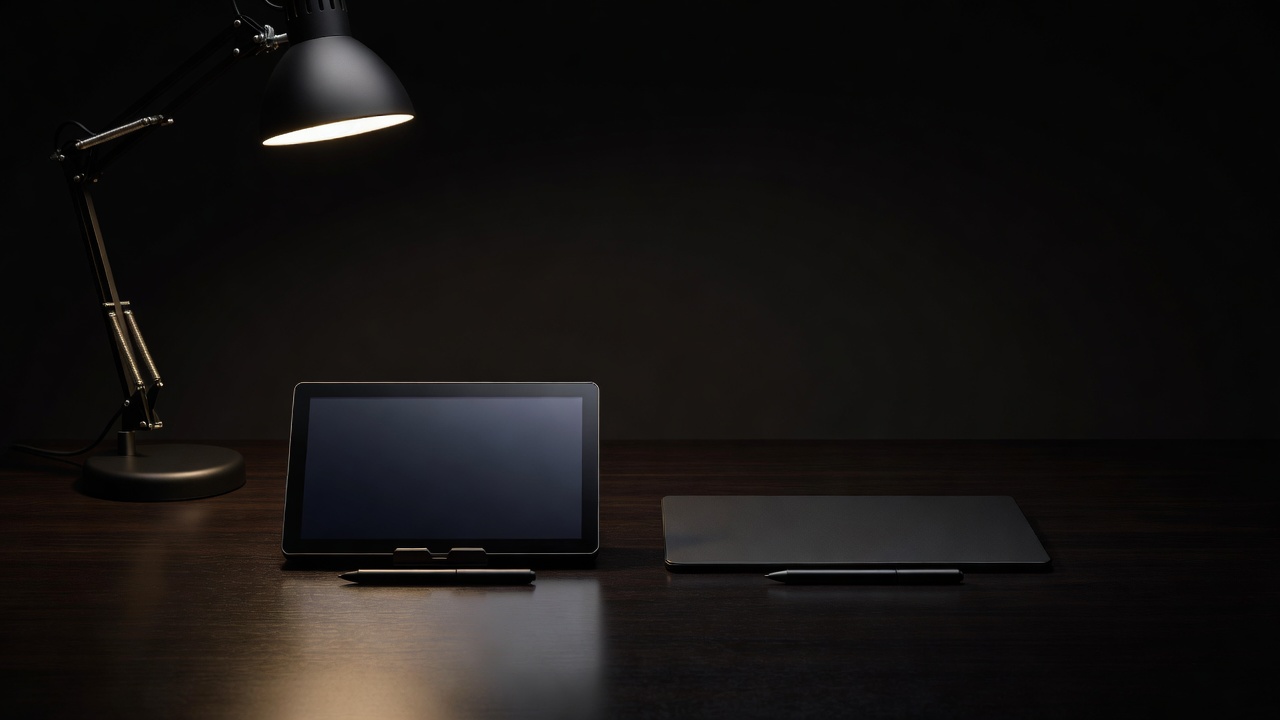
The feel of drawing blind
A screenless tablet asks something strange at first: draw here, look there. For three or four days, your circles will not close and your hatching will drift. Then, quietly, it clicks. Your hand learns the map, and you find you see the whole drawing instead of the patch under your palm. Many concept artists and retouchers prefer it for exactly that reason.
The body wins too. Your monitor stays at eye level, your shoulders stay back, and the tablet can sit at whatever angle your forearm likes. If you draw for eight or ten hours, that is not a small thing. See Desk, Wrist and Long Nights for how to set either one up.
The third path: standalone tablets
The iPad Pro with Apple Pencil Pro is a pen display that carries its own computer. You get the draw-on-the-image feel, a superb OLED screen and apps like Procreate that were built for the hand. You lose desktop software, file-system freedom and the option to plug into a large monitor setup. For sketching on a train, life drawing in a café or a full illustration career built around Procreate, it is hard to beat.
Which one should you choose?
- Coming from paper and impatient to draw: a pen display, even a small one like the Kamvas 13.
- Long professional days and a good monitor already: a pen tablet such as the Intuos Pro, then upgrade later if you miss the glass.
- Mobile, sketch-heavy work: an iPad Pro.
- Inking comics at size: a 16-inch or larger display, with a stand.
Whatever you choose, judge it by the line it makes and the body it leaves you with after midnight. The easel pick and the studio wall cover all three paths.