What a pressure level actually is
A pressure level is a step on a digital scale. The pen measures how hard the nib is pushed into its housing and reports a number between zero and its maximum: 2,048, 8,192 or 16,384. Your software reads that number and converts it into brush size, opacity or flow. More steps mean finer gradations, in theory.
In practice, the human hand stops telling those steps apart long before 8,192. I have drawn the same ink study on an 8,192-level Wacom Intuos Pro and a 16,384-level Huion Kamvas 13, and nothing in the finished line betrayed which was which. What did differ was how each one started the stroke and how smoothly it climbed from thin to thick.
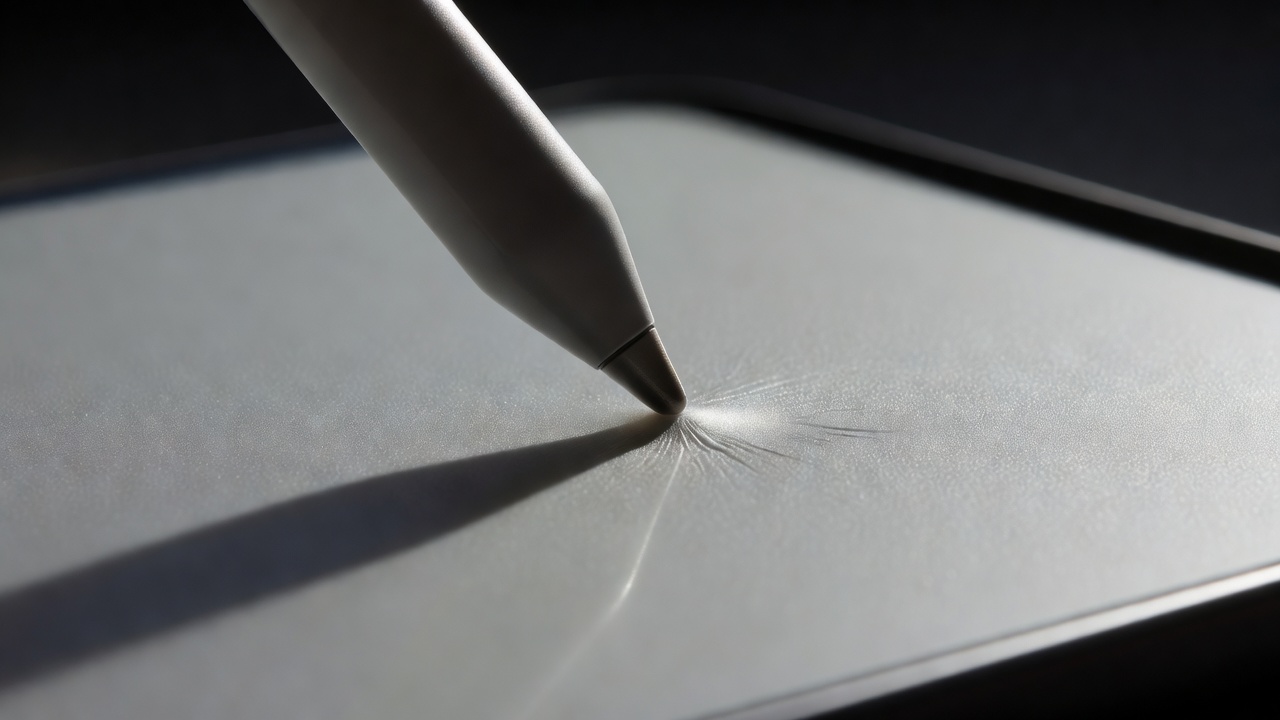
Initial activation force: the number nobody prints
Initial activation force is the weight needed before the tablet registers any line at all. Low activation force means a feather-light touch still lays down a whisper of graphite. High activation force means a dead zone: you touch, nothing happens, you press harder, and the line appears already thick. That is the "blob at the start of every stroke" complaint you see on forums.
Wacom's Pro Pen 3 and Apple Pencil Pro both behave very well here. Recent XP-Pen and Huion pens have closed most of the gap. Older budget pens are where you still feel the dead zone.
The curve and the jitter
The second thing to judge is linearity. Press slowly from nothing to full force and watch the line. Does it swell evenly, or jump in steps? Then hold a steady medium pressure and drag a long horizontal stroke. A good pen gives a line of constant width. A noisy one wobbles even when your hand does not. That wobble, not the headline number, is what ruins long contour lines.
Tilt: the angle of the brush
Most serious pens report tilt up to about ±60° from vertical. Software uses that angle to rotate a flat brush, broaden a pencil when you lay it on its side, or skew an airbrush spray. In Photoshop, Clip Studio Paint, Krita, Corel Painter and Procreate, tilt-aware brushes feel startlingly like real media when you shade a sphere with the side of the lead.
If you only ink with round brushes, tilt barely matters. If you paint, sketch in pencil or do calligraphy, it changes everything. Barrel rotation, available on Apple Pencil Pro and Wacom's optional Art Pen, goes a step further and turns a chisel nib as you roll the pen in your fingers.
The five tablets, side by side
| Tablet | Pressure | Tilt | Pen | Power |
|---|---|---|---|---|
| Wacom Cintiq Pro 22 | 8,192 | ±60° | Pro Pen 3 | Battery-free |
| Apple iPad Pro 13 (M4) | Not published | Yes | Apple Pencil Pro | Rechargeable |
| XP-Pen Artist Pro 16 (Gen 2) | 16,384 | ±60° | X3 Pro stylus | Battery-free |
| Wacom Intuos Pro (Medium) | 8,192 | ±60° | Wacom Pro Pen | Battery-free |
| Huion Kamvas 13 (Gen 3) | 16,384 | ±60° | PW600 series | Battery-free |
A four-stroke test you can do in any shop
- Touch down as lightly as you can and pull a line. Does it appear immediately?
- Draw a slow taper from nothing to full pressure. Is the swell smooth?
- Hold steady pressure across the whole surface. Does the width stay put?
- Lay the pen on its side with a tilt-aware pencil. Does the mark broaden naturally?
Then go home and tune your pressure curve in the driver. Most artists soften the curve a little so light strokes stay light. Ten minutes in the settings can do more for your line than a hundred extra euros on the box. When the pen feels right, move on to your desk setup.